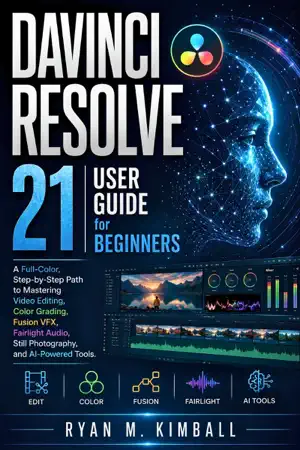
DaVinci Resolve 21 User Guide for Beginners
$5.99
Buy on Amazon View on Apple BooksPrefer it in print? See every format on Amazon →
Price on Apple Books. Amazon’s price may differ.
- Published
Description
Unlock the full power of video post-production with the ultimate, practical guide to Blackmagic Design’s industry-standard software.
Whether you are an absolute beginner starting from scratch or a content creator upgrading your editing skills, DaVinci Resolve 21 User Guide for Beginners offers a complete, step-by-step path to mastering every workspace inside this powerful software. Designed specifically for visual learners, this full-color handbook breaks down complex post-production workflows into clear, easy-to-follow lessons.
What You Will Learn Inside:
The Cut & Edit Pages: Master core video editing techniques, timeline management, ripple edits, multi-camera editing, and fast-track assembly for YouTube videos, short films, and social media content.
Color Grading & Color Correction: Demystify primary adjustments, nodes, lift/gamma/gain, power windows, qualifiers, scopes, and professional LUTs to achieve cinematic film looks.
Fusion VFX & Motion Graphics: Build node-based visual effects, green screen keys, text animations, tracking, and Compositing without needing external plugin software.
Fairlight Audio Post-Production: Clean up dialogue, equalize sound, reduce background noise, apply compression, and mix multi-track spatial audio with expert precision.
AI-Powered Tools: Leverage new neural engine features, automated voice isolation, magic mask, smart reframing, auto-captioning, and AI color matching to double your editing speed.
Still Photography & Digital Media: Work with high-resolution digital camera RAW photos, frame grabs, photo color grading, and thumbnail creation directly on the timeline.
Exporting & Project Management: Learn best render settings for Web, 4K distribution, archiving projects, and managing media databases efficiently.
Packed with full-color visual illustrations, real-world practical exercise workflows, keyboard shortcuts, and professional tips, this tutorial guide turns intimidating editing software into your primary creative tool. Transform raw footage into polished, professional videos today!